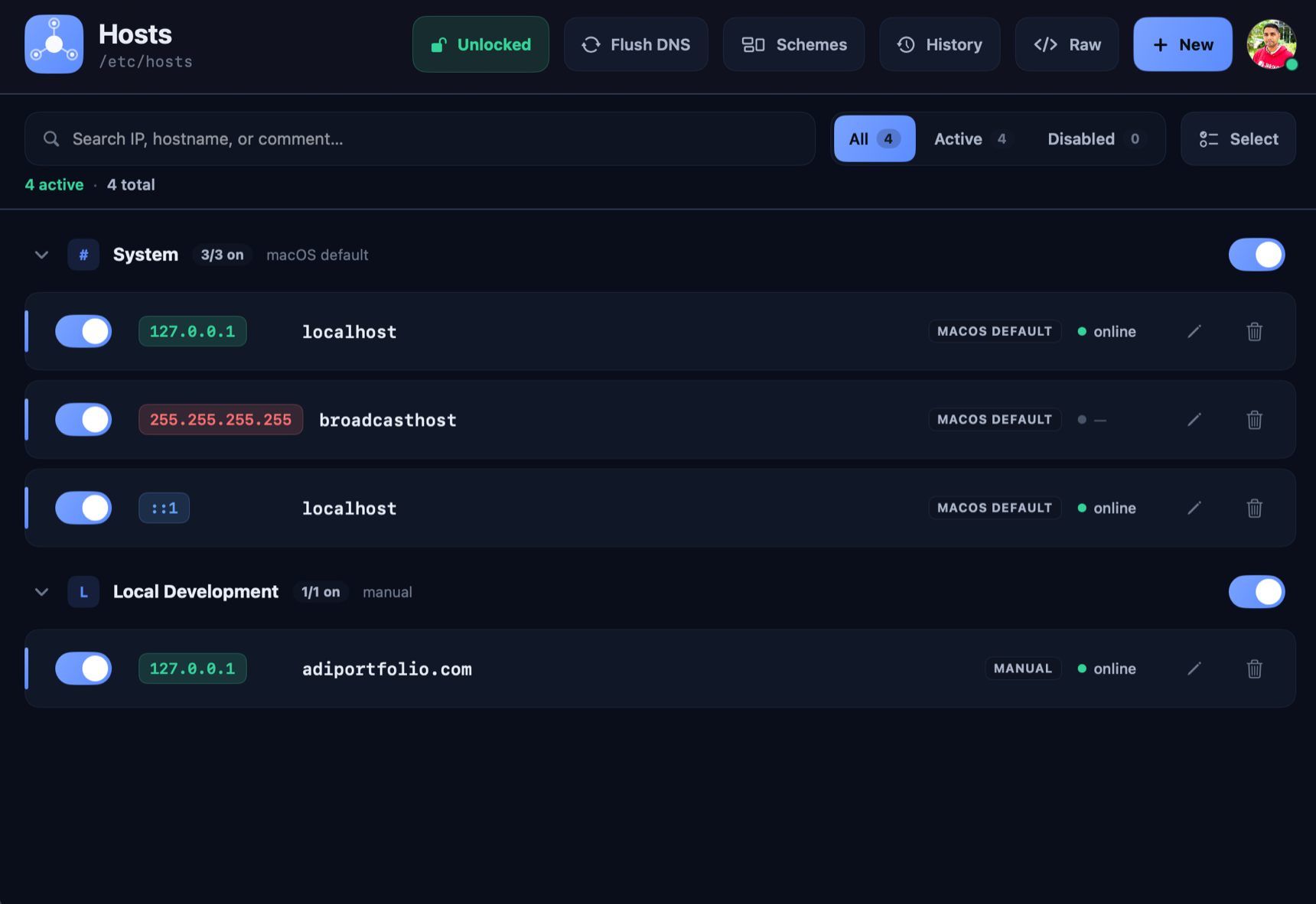
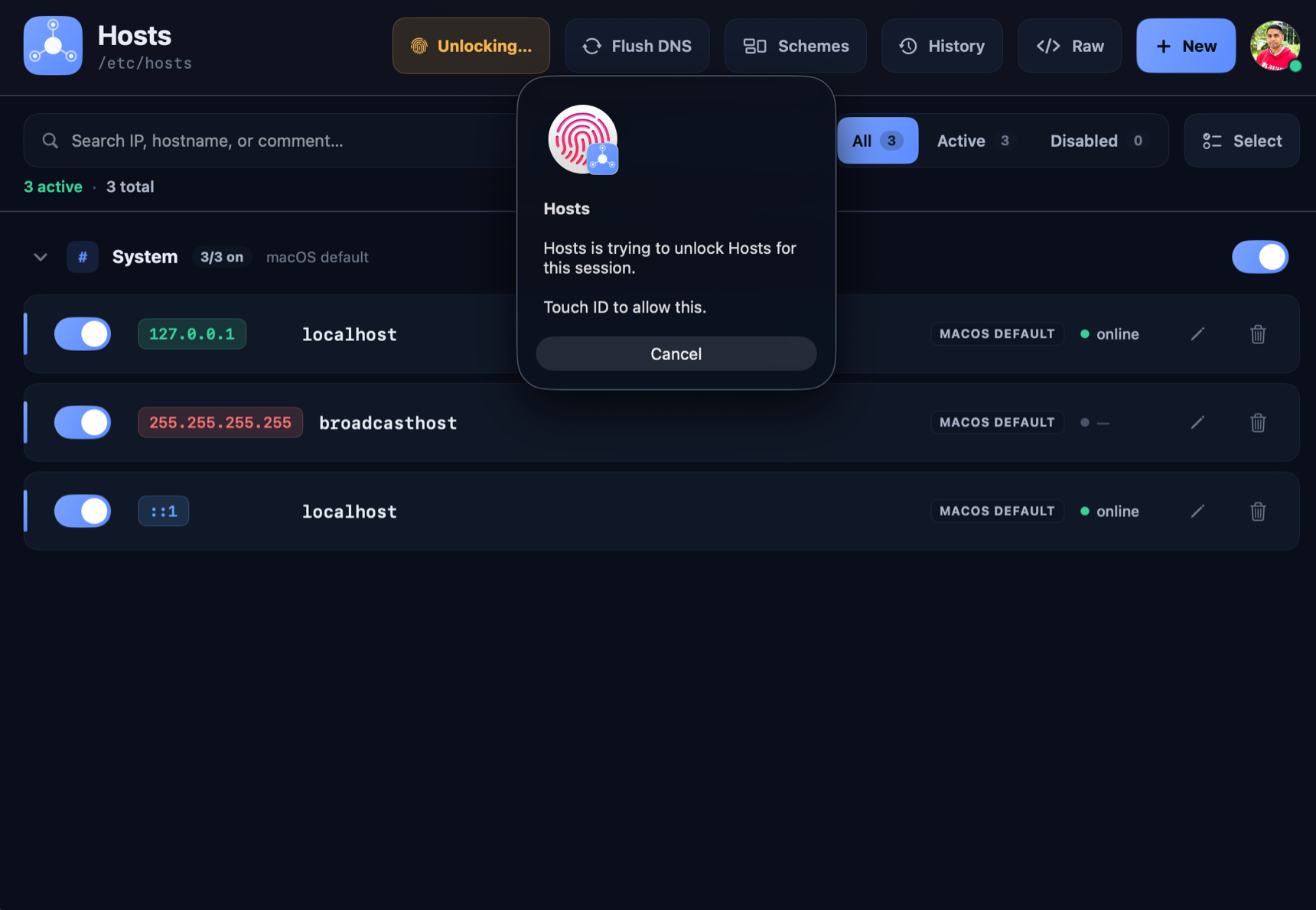
A native macOS app that turns hostname juggling into one-click environment switching — with a visual diff before every write and Touch ID-gated privileged edits.
From first-run onboarding to schemes, visual diffs, DNS flush, Touch ID unlock, and the custom theme editor.
Hosts gives /etc/hosts the structured, reversible, validated editor it never had.
Save whole environments — Local dev, Staging, QA, Blocklist — and switch between them in one click. Duplicate, tag, and annotate them as you go.
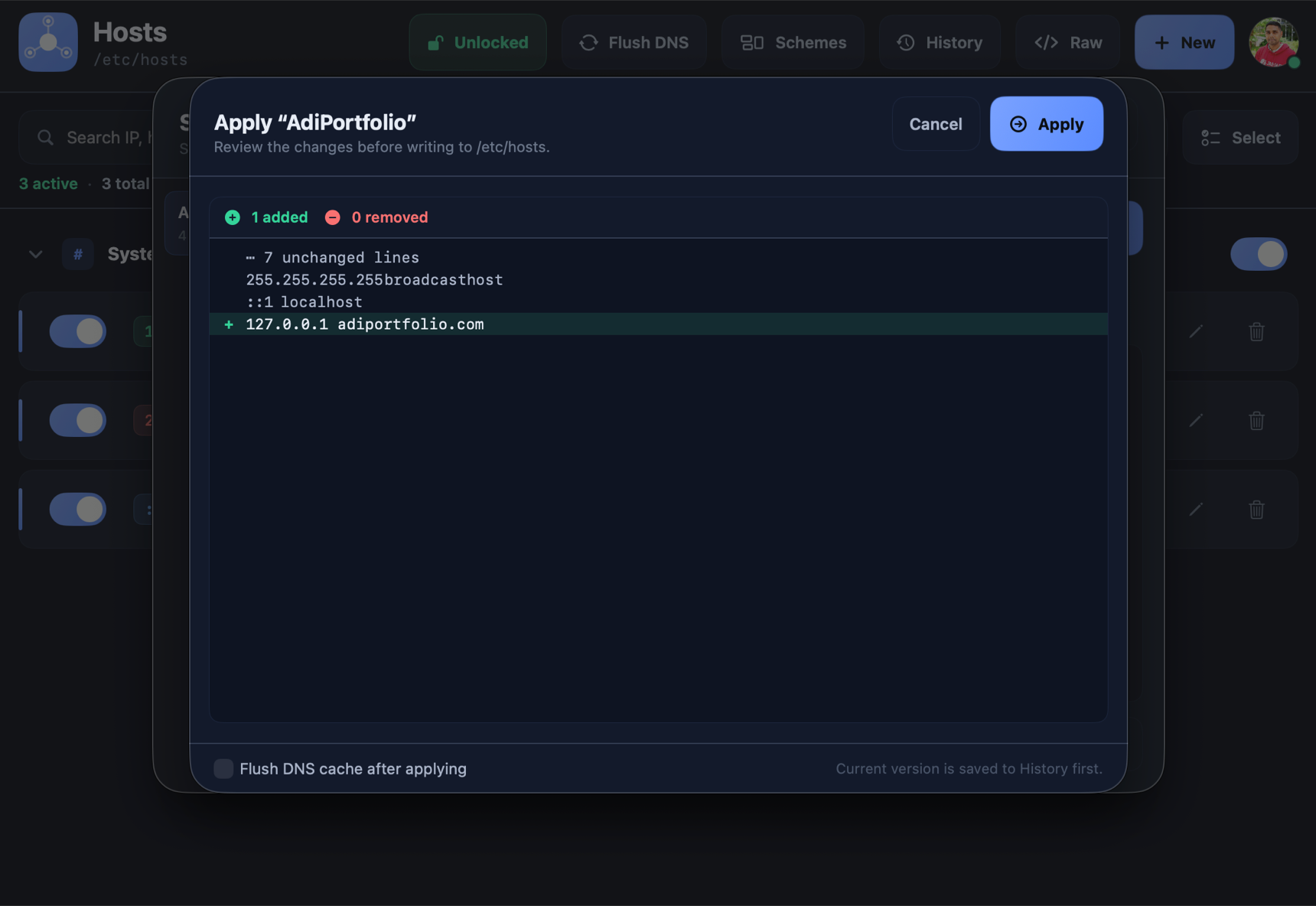
See exactly which lines change before applying any scheme. Every switch snapshots the previous file first, so it's always reversible.
A timestamped backup is written before every change, and a one-click button flushes the macOS DNS cache so edits take effect immediately.
Flip any entry on or off without losing it — disabled lines stay in the file, commented out. IP and hostname validation catches typos before they land.
Filter by IP, hostname, or comment. Hosts flags any hostname that maps to more than one IP so conflicts never silently win.
One-click revert to any earlier snapshot, Undo Last Change with ⌥⌘Z, automatic timestamped backups before every write, and a Flush DNS button.
Applying a scheme isn't a blind overwrite. Hosts shows a line-by-line diff of the exact additions and removals, optionally flushes the DNS cache, and snapshots the current file first.
Writing /etc/hosts needs privilege — so Hosts does it through a signed LaunchDaemon helper registered with SMAppService, never by shelling out with sudo.
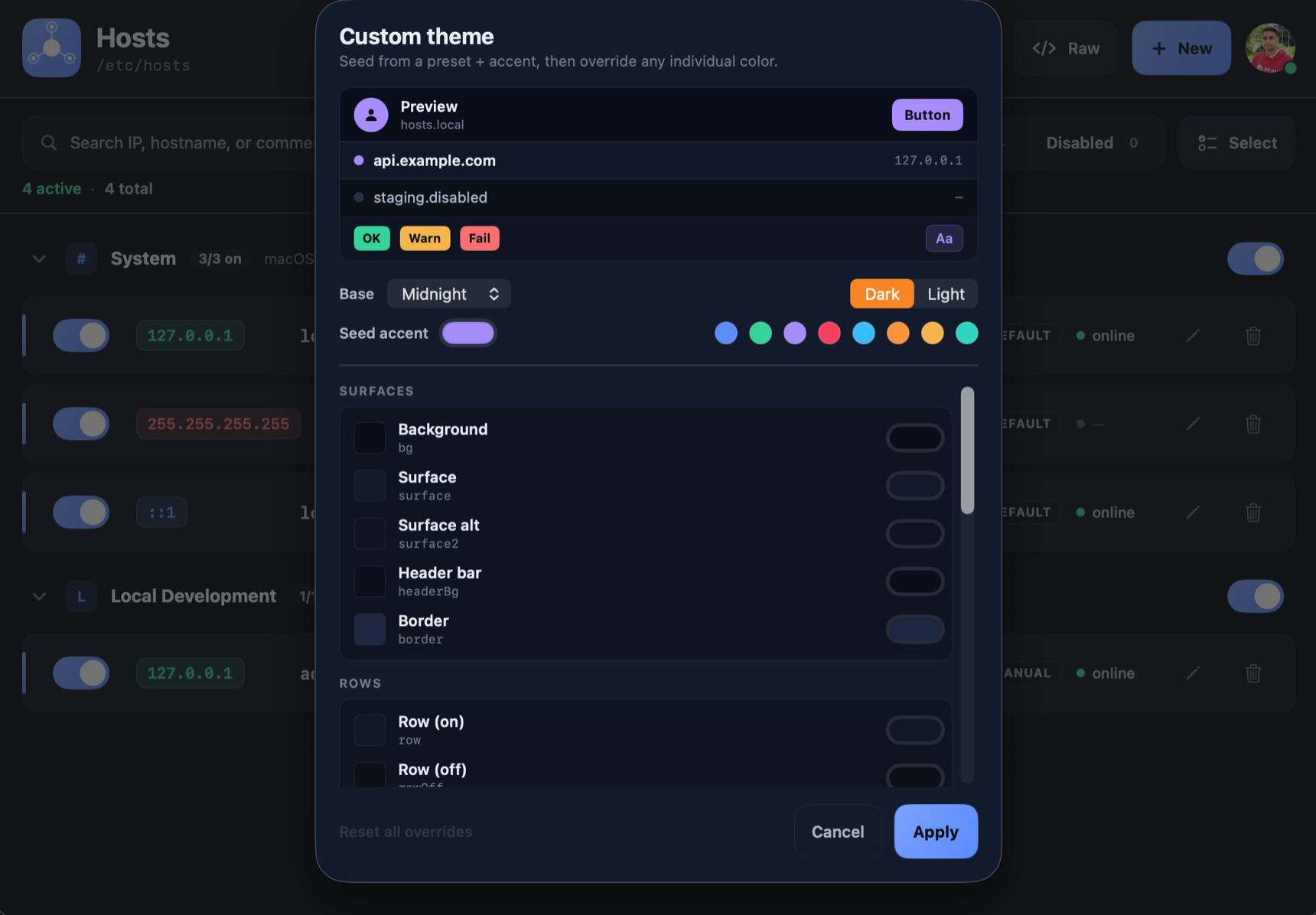
Per-token color overrides with live WCAG-contrast tuning, so every theme stays legible. Click any swatch to recolor this page — the same palettes ship in the app.
Pick a theme above — your choice is remembered on this device.
The fastest path is the notarized .dmg above: drag to Applications and open, no build step, no Gatekeeper "unidentified developer" wall. Prefer to build from source? Open the project in Xcode (free) and sign it with your own free signing certificate — any Apple ID works, no paid Developer Program needed.
.dmg.A notarized disk image for drag-and-drop installation — no certificate, no build step. Or build from source below.
downloads and counting
In Xcode → Settings → Accounts, sign in with any Apple ID to provision a free Apple Development certificate. No paid Developer Program needed.
Open etc-hosts.xcodeproj and pick your team under Signing & Capabilities for both targets. Signing is automatic — Xcode uses your free certificate.
Press ⌘R (or run xcodebuild) to compile and sign the app and helper, then enable the helper once in Login Items.
Native SwiftUI. No web server, no browser UI, no npm. Free and open source under the AGPLv3.